Previz gives you the power to pre-visualize anything you can imagine. Script to screening in one platform, with continuity held frame to frame and every shot reproducible on demand.
Free to start. No card.
Script to storyboard, board to keyframe, keyframe to set, set to motion. Every mode shares the same production, the same continuity and the same record, so a decision made in one is already true in the next.
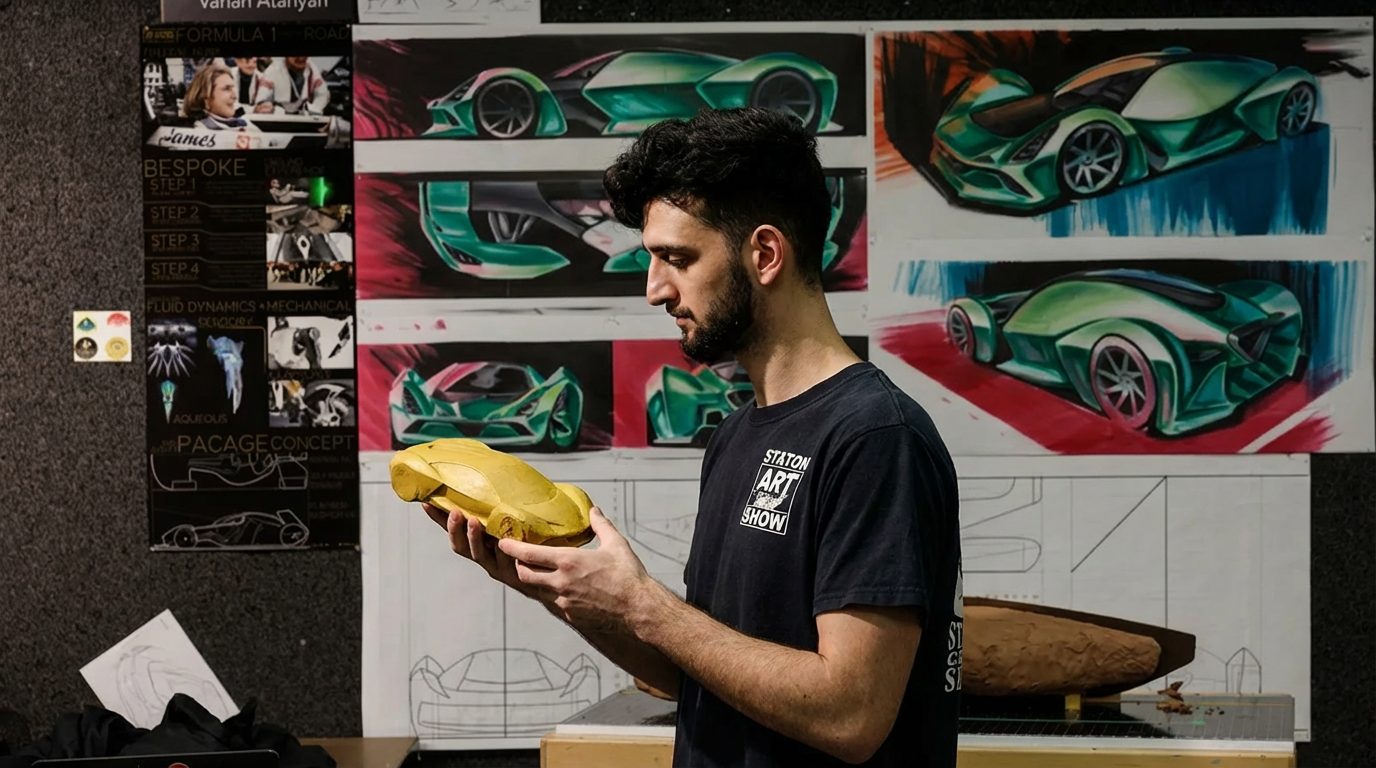










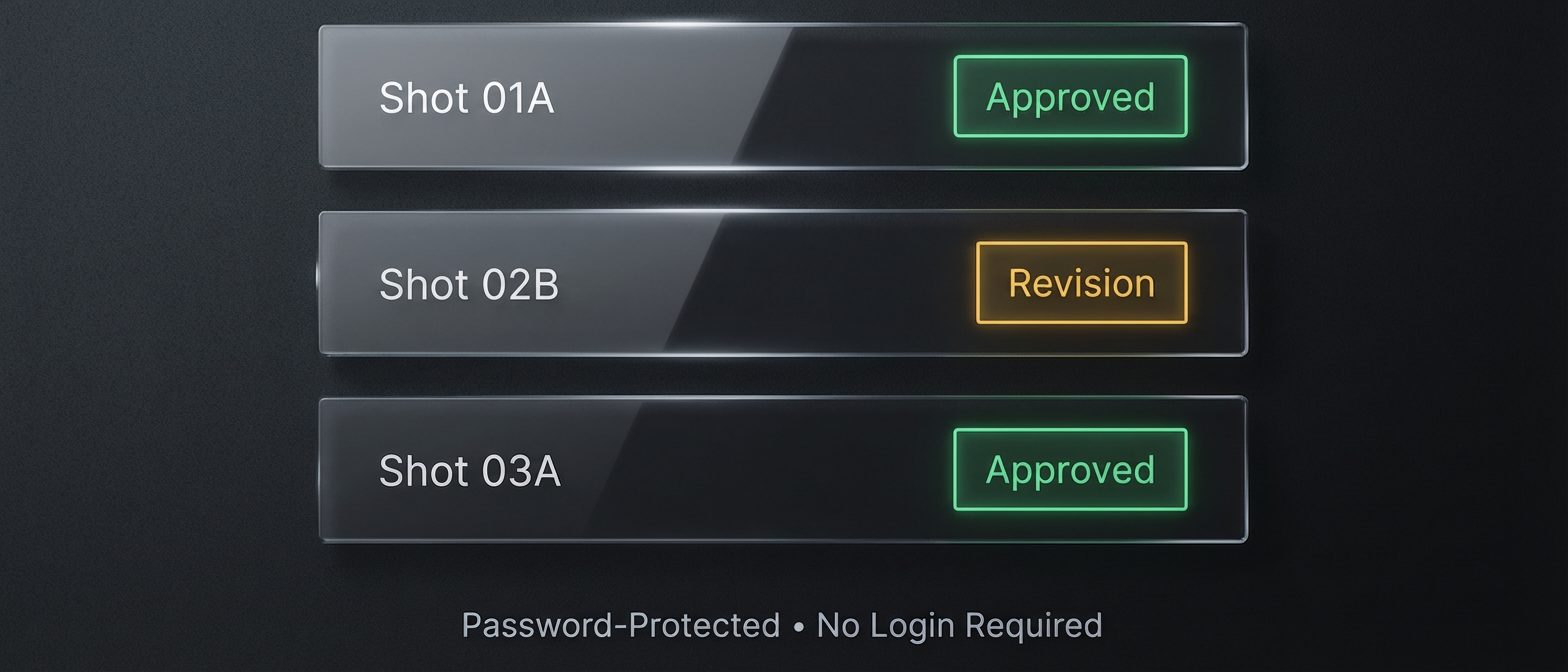
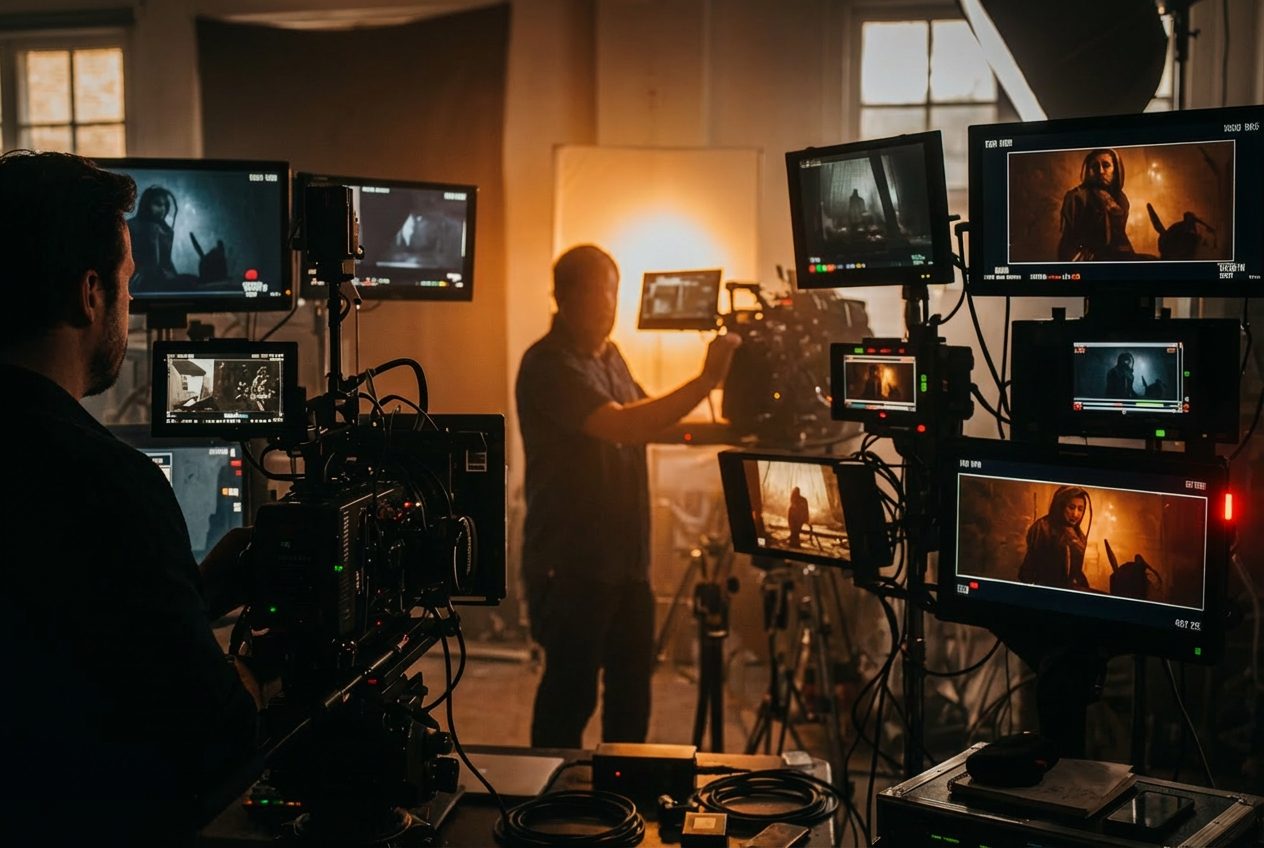
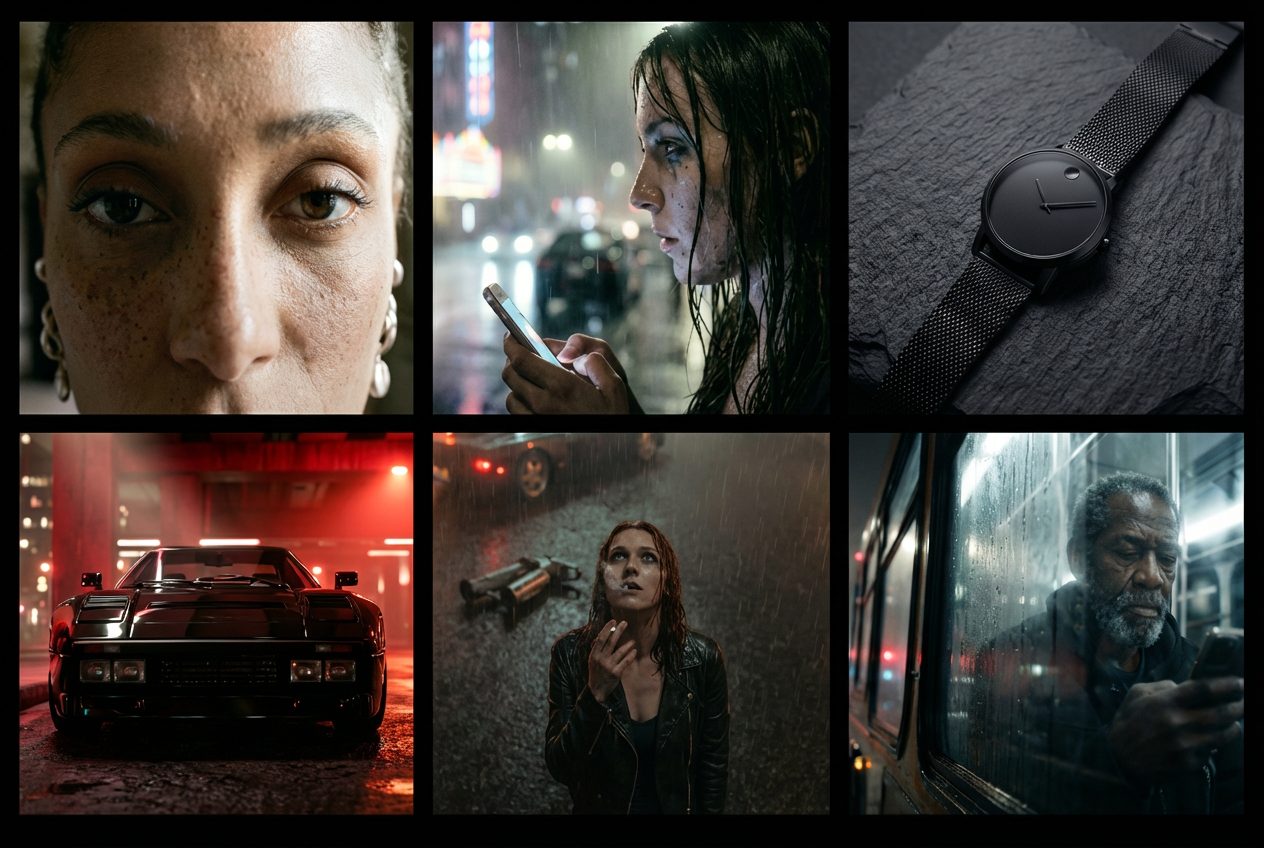
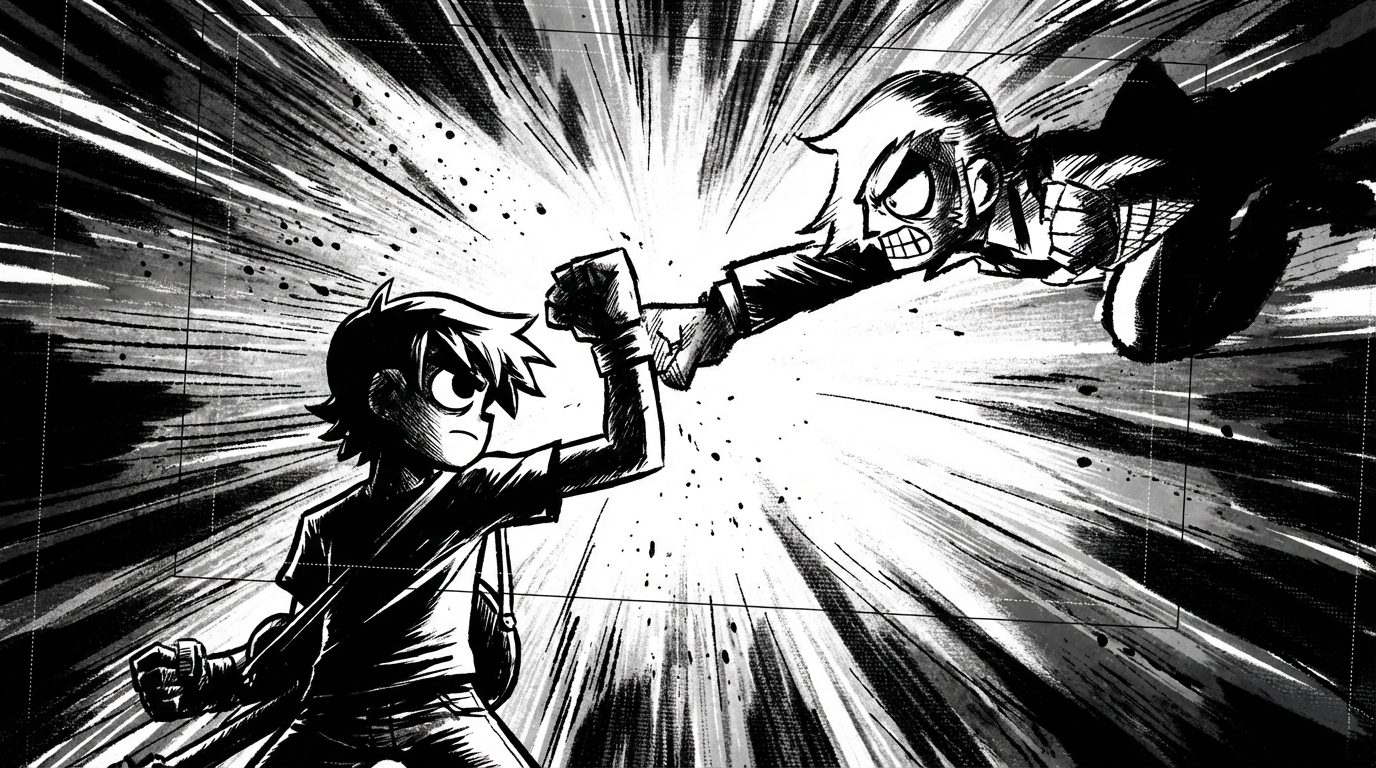
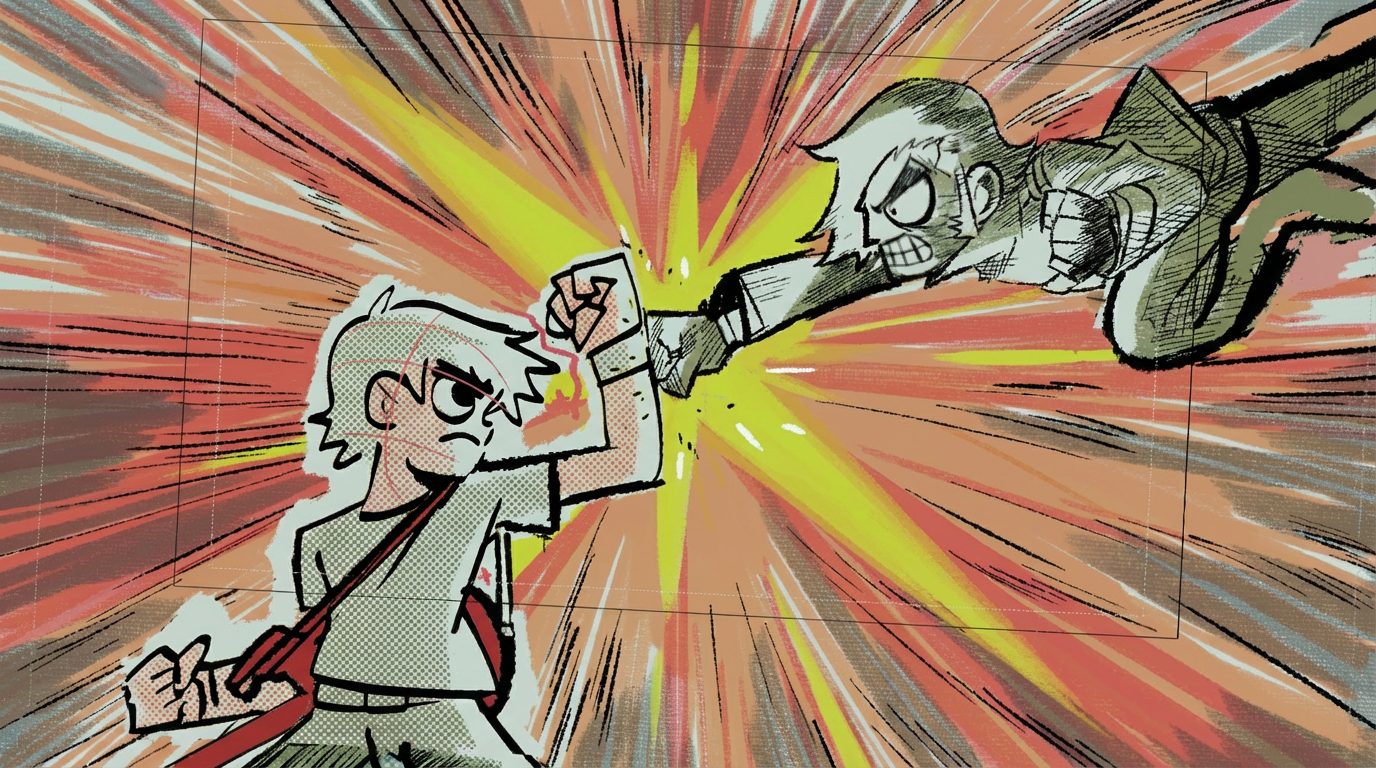




Dozens of production-grade tools at your fingertips, arranged around the way a shoot actually runs.
Visual shot plans
A script becomes a numbered shot list with a frame against every line, ready to hand to a crew.
Lock your cast
A character sheet holds a face, a wardrobe and a build across every shot in the production.
Keyframe to motion
Any approved still becomes the first frame of a take, so motion inherits the frame you signed off.
45+ cameras, 21 lenses
Bodies and glass are emulated by their real optical behaviour: falloff, breathing, flare, depth.
Infinite art styles
Two hundred looks, each with its own graded instruction set and a strength dial that means something.
Approve, reject, iterate
Selects carry forward, rejects leave a trail. The decision history is part of the deliverable.
Upscaling to print
A progressive chain takes a frame from delivery size up to wall size without inventing new detail.
VFX-ready output
Layers come out separated and named, so a boards pass leaves as an organized PSD a compositor opens and keeps working.
Open any frame as layers
The Layer Lab takes a finished frame apart into real, editable layers — masks, colour wheels, type with real fonts, a transform box that snaps — then hands the stack back as a PSD.
Spatial camera control
Position, height, lens and target are numbers, so the same coverage can be repeated exactly.
Wardrobe and props
Objects are locked the same way people are, and follow the production from scene to scene.
Step into the frame
Walk the camera into an approved still and reshoot it — a new angle on the same scene, with the move's honest reach measured before anything is spent.
Proprietary orchestration across 99 generative engines: video, image, audio and 3D. Every shot auto-routes for quality, speed and the jurisdiction policy on the production — you never pick a model, and an enterprise tenant can exclude any vendor by name.
Motion takes, from fast drafts to cinematic tier
Frames, edits and identity-locked passes
Scene, prop and environment construction
Score cues, effects and performance reads
Progressive upscaling up to wall size
Planning, breakdowns and vision grounding
Camera, lighting and style controls handle around ninety percent of the direction. Prompts stay available as a refinement, not a requirement. A professional interface, built for professional results.
Body, lens, height, distance and target as numbers you set, not sentences you write.
Key, fill and practicals as presets, relit after the fact without a re-render from scratch.
Two hundred graded profiles with a strength dial that actually moves the render.
Cast, wardrobe and props locked once, carried into every shot that follows.
Which engine made this, operated by whom, in which jurisdiction, under whose policy? On most platforms that is a meeting. Here it is a report — so a legal review reads receipts instead of holding the schedule.
Enforced, then billed
A client's engine policy is resolved from the production the work belongs to and checked at the call site — before the job runs, before it bills. Coverage of that gate is measured by a build guard rather than asserted by a page, and the measured figure is printed in the pack itself.
Receipts, not clauses
The Provenance Pack states, per asset, which engine made it, operated by whom and in which jurisdiction — and grades its own evidence, saying unknown where the record is silent instead of guessing. A report that admits its gaps is a report a counsel can trust.
A register you can check
Engine operators are recorded with their jurisdiction, and the contested calls cite public company registers, down to the registration number. The claim rests on records anyone can pull, not on our say-so.
The pack prints clean for counsel and exports as a manifest with an integrity checksum, so the file can prove it has not been altered since it left.
The studio doesn't end at the browser tab. Agents hold it as tools, and the Adobe panels put it inside the edit bay — same gates, same provenance, same discipline everywhere.
Your agents hold the studio
Any MCP-speaking agent — a copilot, an overnight orchestration, your own build — holds your boards, locked identities and provenance as tools, and runs the same metered render lanes the studio runs: every generating call quotes before it spends, and each key carries its own monthly cap.
Live · one line to connect
The cut conforms to the timeline
A panel inside the edit bay: browse your productions, read every asset's provenance next to the timeline, generate and animate with quotes shown first — and one press conforms the Cut Room edit into a Premiere sequence, clips downloaded, order and trims exact.
Early access · download & sideload
Same surface, second host
The identical panel in AE — connect, browse, provenance and the creative hands — with comp-native import arriving next. One product, both hosts, one key.
Early access · download & sideload
3D that knows its own history
A viewport panel that generates a mesh on the same metered lane, imports it at the 3D cursor, and stamps provenance onto the object — engine, operator, credits, and the locked identities it was built to hold. Name a lock and the geometry holds it; send the preview back to your board. The pipeline, not just the scene.
Early access · download & sideload
Built for creative professionals by creative professionals, and designed from the first pixel around the way professional work is actually approved.

Artists + designers
Hold a look across a whole body of work. A style is an instruction set here, not a lucky prompt, so the tenth image belongs beside the first.

Film + television creatives
Take a script to a numbered shot list with a frame against every line, then hand a crew a board they can shoot from.

Advertising + brand teams
Put a campaign in front of a client before a budget is committed, with the product, the talent and the wardrobe locked.

Animation + VFX studios
Block sequences and pass separated layers straight into a compositing timeline, with the look already agreed.
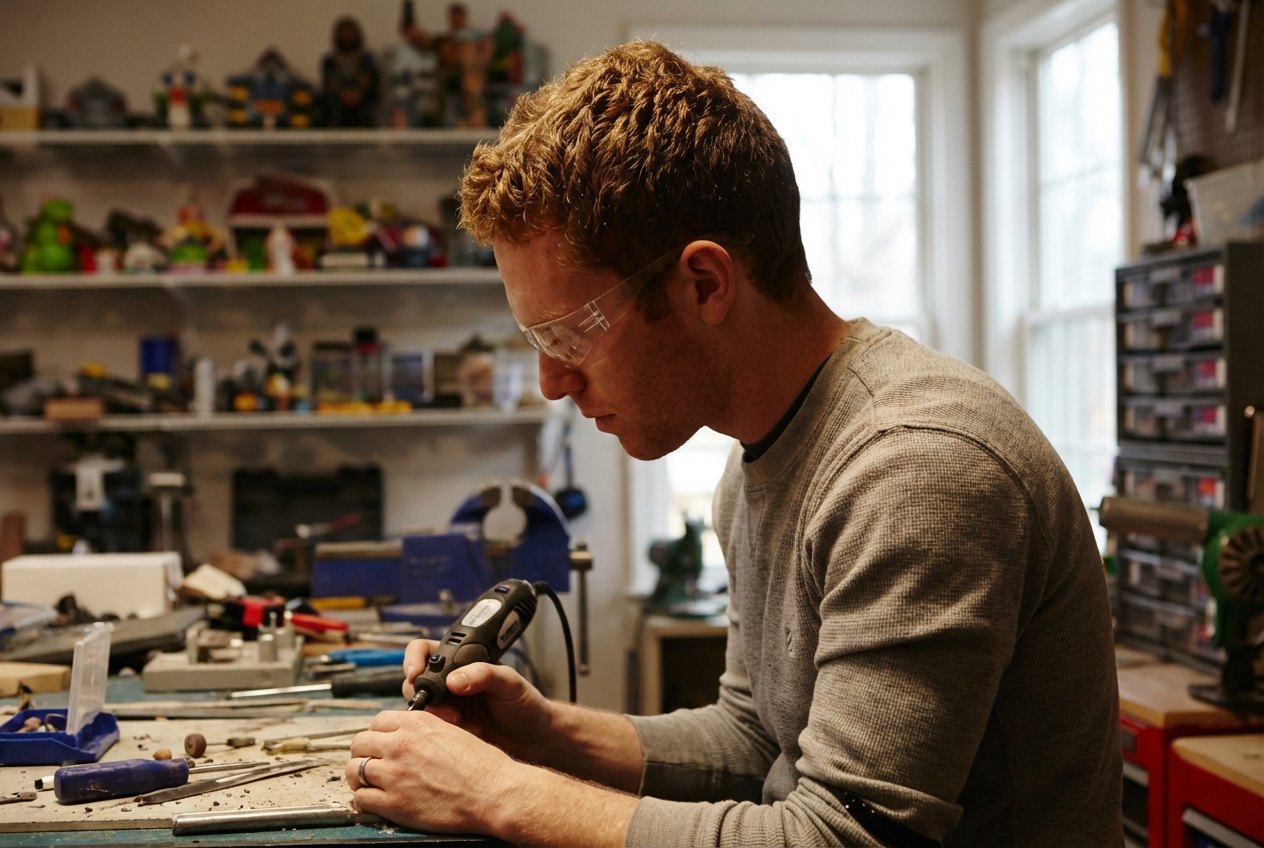
Game + toy makers
Develop characters, creatures and worlds with a held design language, then take them from sheet to sequence.

Product designers
Show an object in situation before a prototype exists: the same form, the same finish, in twenty lighting states.
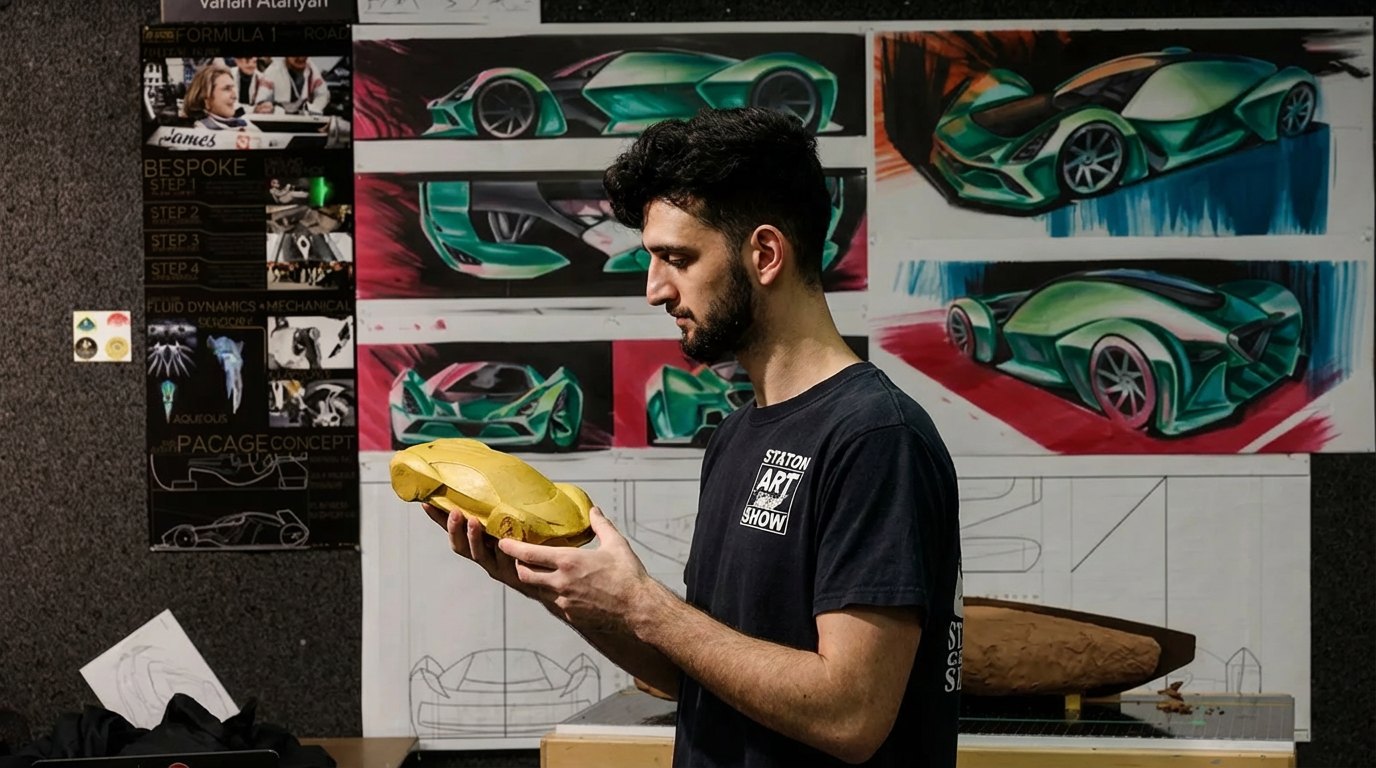
Automotive + industrial teams
Stage a hero vehicle or machine on a set you control, with camera height, lens and move written as numbers.

Architects + spatial designers
Walk a space before it is built. Materials, time of day and lens stay consistent across every view you show.

Experience + interface designers
Storyboard an installation, a launch moment or a screen flow with the environment and the people already in frame.

Music + performance artists
Treat a video before a studio is booked: cast, wardrobe and staging locked, then handed to motion.

Photographers + art directors
Scout, light and cast a shoot on paper first, so the day on set is execution rather than exploration.

Studios + production companies
Run several productions with a shared cast library, per-project access and a decision trail that survives a change of team.

Fashion designers
Develop a whole collection against a held look: the same model, the same light and the same fabric behaviour, sampled across every garment before a single meter of cloth is cut.

Comic + graphic novel makers
Build a page the way you build a sequence: the same cast, the same world, panel after panel, with the line and the light holding across an issue.

Worldbuilders + concept artists
Carry a speculative world from sketch to sequence, keeping its architecture, weather and mood recognisable from one frame to the next.
A previz is not a solo document — it is a director, a producer, a client and an editor circling the same frames. Every studio here is multiplayer: the same production, the same continuity, the same record, shared live.
Live boards
When a teammate generates, the frame lands on your open board as it finishes — no reload, no asking who has the latest version. A presence strip shows who is in the project right now, so the board reads like a room people are actually standing in.
Roles and receipts
Invite by email from inside the studio. Four roles, a pending badge that tells the truth from the server, and the money said out loud where it matters: an editor on a shared project creates and generates on their own credit balance — stated on the role they are given, and again, quietly, where they generate.
Review that locks decisions
Send a review link and the client drops pins on the frame itself — not a paragraph about the frame. Selects carry forward, rejects stay on the record, and decisions land where the whole team can watch them lock. The decision history is part of the deliverable.
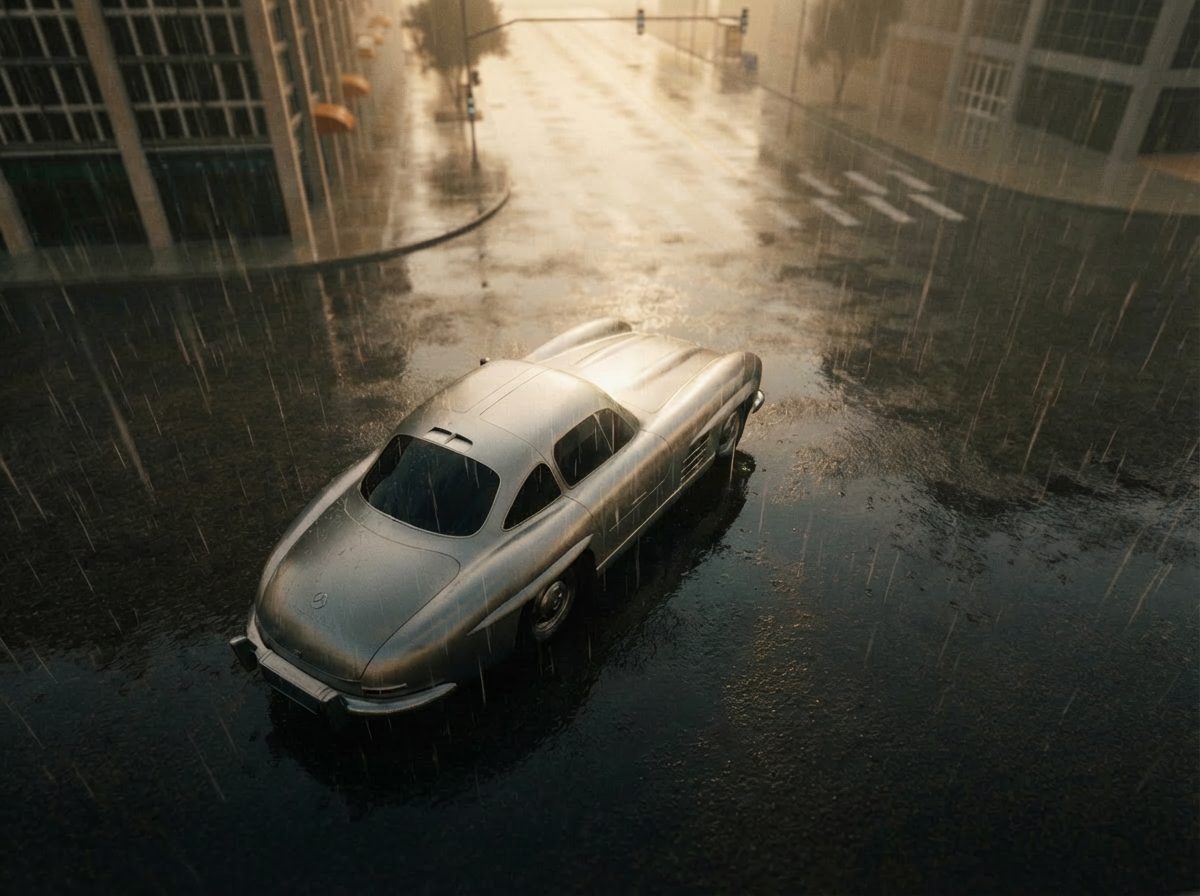
Whatever you want to make, you can make it here. Production frames, poster art, type studies and every still from the AIM World work pages and sketchbook, shuffled every time you arrive.






Here is the technical research on cognitive load, spatial interfaces and professional creative workflows.
View all research →


Start a production today, or bring us a slate and we will run the pilot with you.