Previz/Product · The rooms

    The rooms, in depth

    Room by room, in the order a production moves through them: what you bring in, what each room does with it, and what it hands the next — then the continuity, camera, look, cost and record controls that stay the same in all six. The toolkit overview is one page up; this is the manual.

    01

    Infinitum

    The way in

    An infinite board where the whole idea lives: references, frames, clips and the conversation that shaped them. Think out loud, get pictures back, then hand the sequence to the room that owns the craft.

    +Plain-language briefing that answers in frames, not in text

    +Cards grouped, arranged and locked on an infinite board

    +Imported references read before the room answers

    +Handoff to any room with the references still attached

    OutA board that holds the whole idea, and the conversation that produced it.

    A session, as it runs

    Describe the idea in plain language and it comes back as frames on an infinite board, arranged, grouped and labelled, with the references still attached when it hands off.

    Infinitum
    PDDVPAPJ
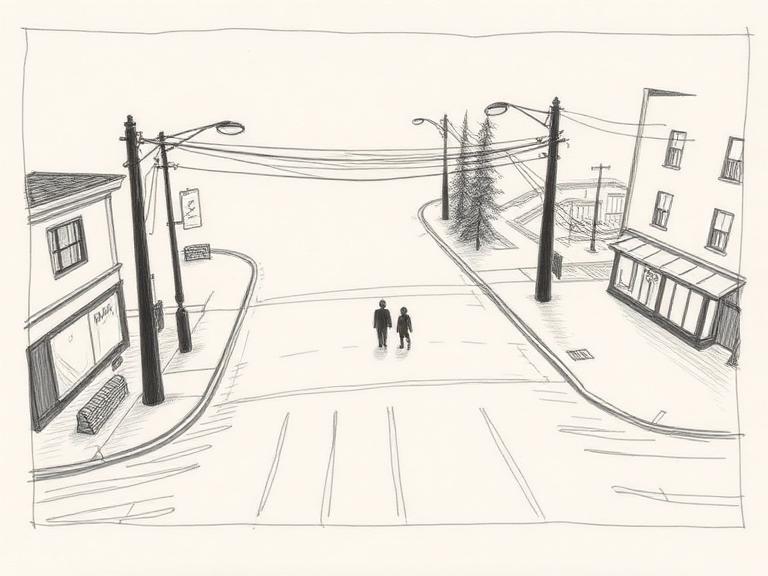
    Wide · the spire
    Wide · the spire
    Wide · arrival
    Wide · arrival
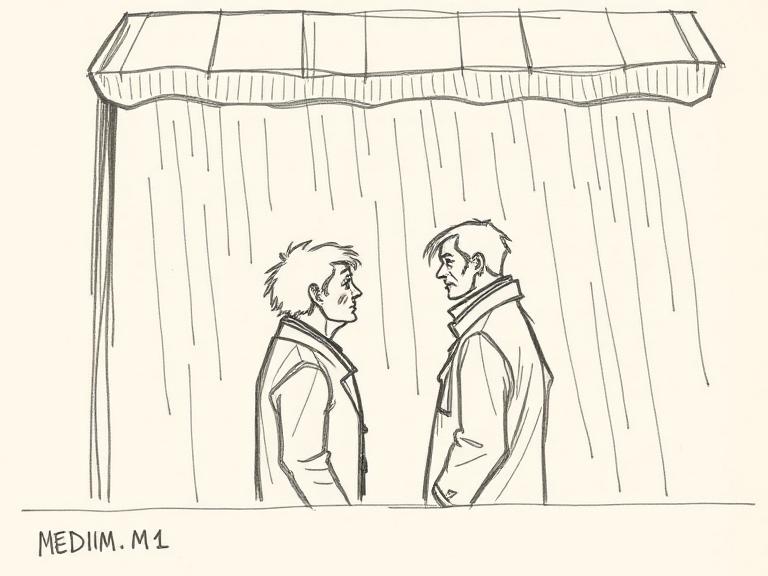
    Medium · hangar
    Medium · hangar
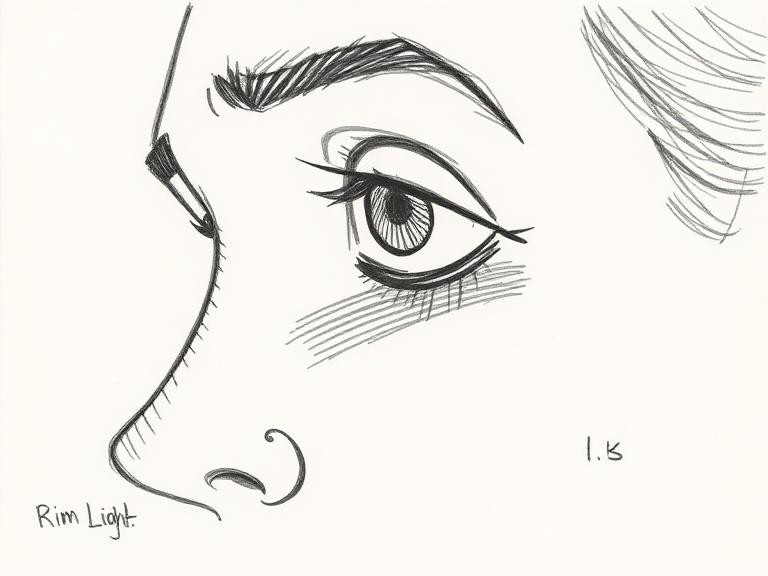
    Close · Vera
    Close · Vera
    Over shoulder · gate
    Over shoulder · gate
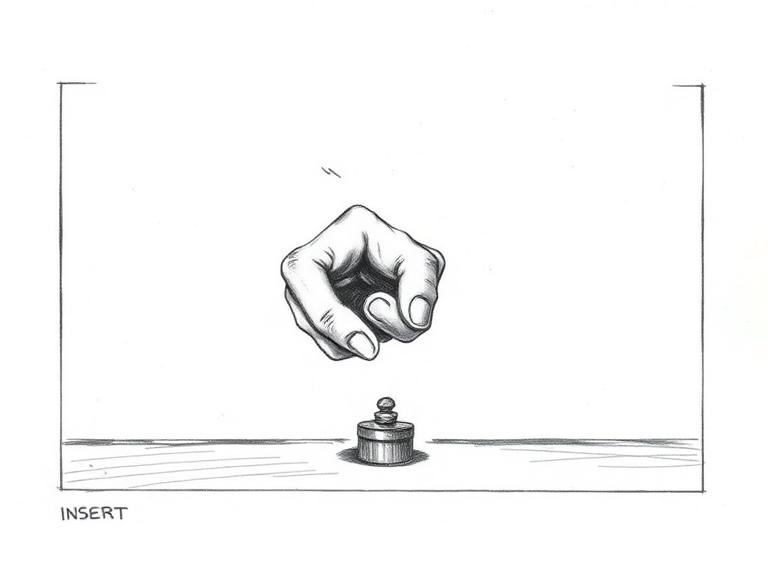
    Insert · the drive
    Insert · the drive
    Wide · the assembly
    Wide · the assembly
    Close · the craft
    Close · the craft
    Pakko
    Diego
    Paloma
    Patrick
    One production

    Nothing is exported between rooms. A decision made in one is already true in the next.

    Continuity travels

    A face, a wardrobe, a prop and a set stay held wherever the work moves.

    The trail is kept

    Every approval, reject and regeneration is recorded against the shot it belongs to.

    02

    Script

    A screenplay read as structured data

    Import a PDF, Fountain or plain text, or start from a premise. Scenes separate, characters, locations and props extract into an editable list, and the shot list builds at the density you set.

    +PDF, Fountain, plain text or a one-line premise

    +Scenes, characters, locations and props extracted as an editable list

    +Shot list generated at the density you set, not the density a model chose

    +Revisions tracked, so a rewrite does not orphan the board

    OutA production spine every other room reads from.

    03

    Storyboard

    A frame against every line

    Shots are numbered, framed and graded together. Selects carry forward, rejects stay on the record, and the board leaves as something a crew can shoot from.

    +Numbered shots with a frame against every line

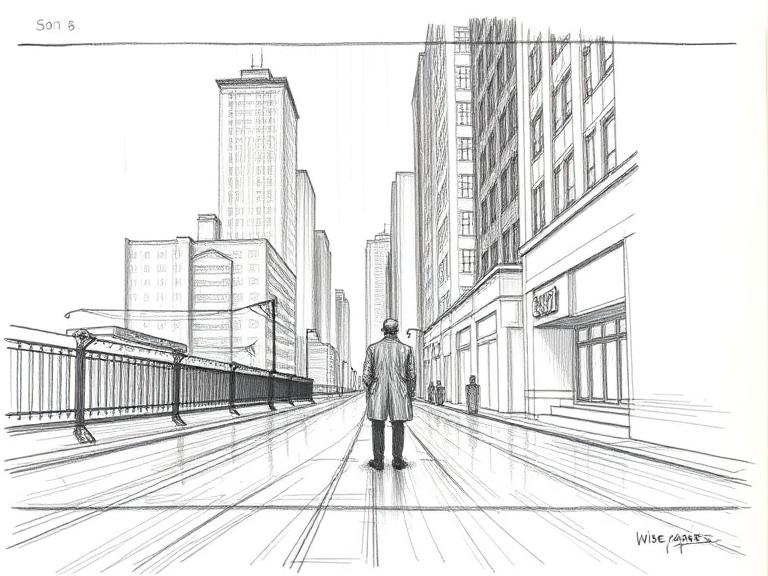
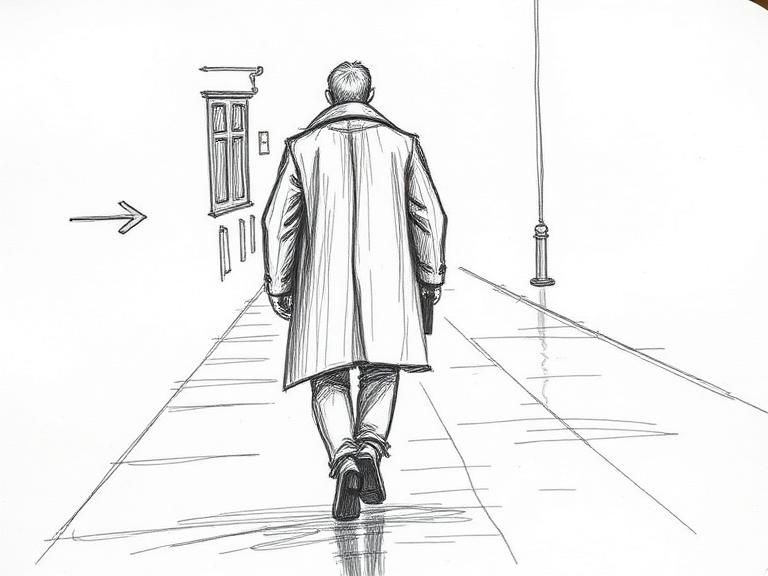
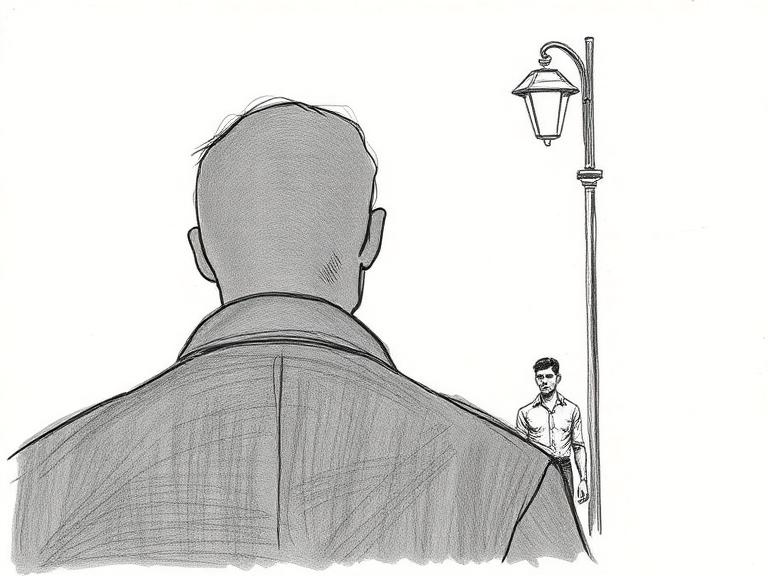
    +Coverage in one pass: wide, medium, close and insert from the same blocking

    +Selects carry forward, rejects stay on the record

    +Board exports as a document a crew can shoot from

    OutA board with a decision trail attached to every panel.

    04

    Keyframe

    The frame you sign off

    The still that everything downstream inherits. Cast, wardrobe, set and grade are locked here, at the resolution the production needs, and the lock travels with the shot.

    +Cast, wardrobe, prop and set locks anchored to one reference

    +Drift graded automatically on every locked render

    +Two hundred look profiles, each with its own strength default

    +Progressive upscaling from delivery size to wall size

    OutThe signed-off still that everything downstream inherits.

    05

    CineForge

    Stage the scene, then light it

    Build the set in three dimensions with real materials and a lighting rig. Camera position, height and lens describe a space instead of an adjective, so a note about the left-hand lamp is a change you can make.

    +Sets and props placed in three dimensions with real materials

    +Three-point lighting rig, then a path-traced render

    +Camera position, height, lens and target as numbers

    +The same coverage repeatable exactly, on demand

    OutComposition decided by where things are, not by adjectives.

    06

    Director

    Motion from an approved frame

    Text to video, image to video, editing a clip, cast reference and motion transfer, under one set of cinematography controls. Duration and cost are estimated before the take is committed.

    +Five ways in: text, image, clip edit, cast reference, motion transfer

    +Camera move blocked on a spline in a real viewport

    +Duration, tier and cost estimated before the take is committed

    +Takes stay attached to the board they came from

    OutMotion that starts from a frame you already approved.

    What holds it together

    The rooms are the surface. Underneath, one production carries the same continuity, camera, look, cost and record across every stage of the work.

    Continuity05

    Continuity lock

    A face, a wardrobe, a prop and a set held across a production, not re-rolled per shot.

    Character sheets

    Locked talent promoted to a reference sheet, so every later shot resolves the same person.

    Drift detection

    The graph flags a shot that wandered off the established look, wardrobe or geography.

    Set and prop memory

    Locations and hero props persist as named entities, reusable across scenes and rooms.

    Creative memory graph

    Decisions, locks and references linked to the shots that depend on them.

    Camera and look06

    Camera profiles

    Bodies and glass emulated by optical behaviour: falloff, breathing, flare and depth.

    Look profiles

    Two hundred graded looks, each with its own instruction set and a strength dial.

    Art styles

    Illustrated and graphic treatments with an intensity dial that lands where the style intends.

    Named techniques

    Dutch angle, Rembrandt key, dolly zoom: craft moves that drive real controls, not pasted text.

    Virtual camera

    Deterministic placement, lens and height, so coverage of a scene actually matches.

    Relighting

    Change key, fill and time of day on an approved frame without regenerating the frame.

    Making06

    Aspect ratio control

    Any delivery ratio requested up front, and reframes that recompose rather than crop.

    Reference imports

    Drop stills, video, scripts and documents in, and they ground what comes out.

    Set building

    Props and environments placed in three dimensions, then shot from a chosen camera.

    Motion

    Boards animated with motion reference, timing and camera intent carried from the still.

    Score and sound

    Cues and effects generated against a cut, so a board can be presented with sound on.

    Canvas arrangement

    Selected cards, frames and clips ordered into grids, strips and scenes on the infinite canvas.

    Finishing05

    Resolution chain

    Progressive upscaling from delivery size to wall size without inventing detail.

    Layered output

    Separated passes so a board drops into a compositing timeline unchanged.

    Stitching and cuts

    Shots assembled into a sequence with consistent framing and frame rate.

    Delivery specs

    Frame rate, ratio and colour set once at the production, respected by every room.

    Export and handoff

    Boards, sequences and asset sets leave as files a production crew already knows.

    Production control08

    Decision record

    Every approval, reject and regeneration recorded against the shot it belongs to.

    Shared productions

    Invited collaborators work the same production with scoped access, not copies.

    Credit transparency

    A quote before the render and a charge that matches it, itemised per shot.

    Queue and recovery

    Long renders queue, poll and resume, and a failed job never silently bills.

    Isolation and privacy

    Per user storage isolation, zero retention on generation, nothing used for training.

    Jurisdiction policy

    Engine routing honours a per-client policy, resolved from the production and enforced before a job is billed — not promised after.

    Provenance Pack

    A per-asset record of which engine made it, operated by whom and where, graded by what the record supports — printable, with a checksummed manifest.

    Client rooms

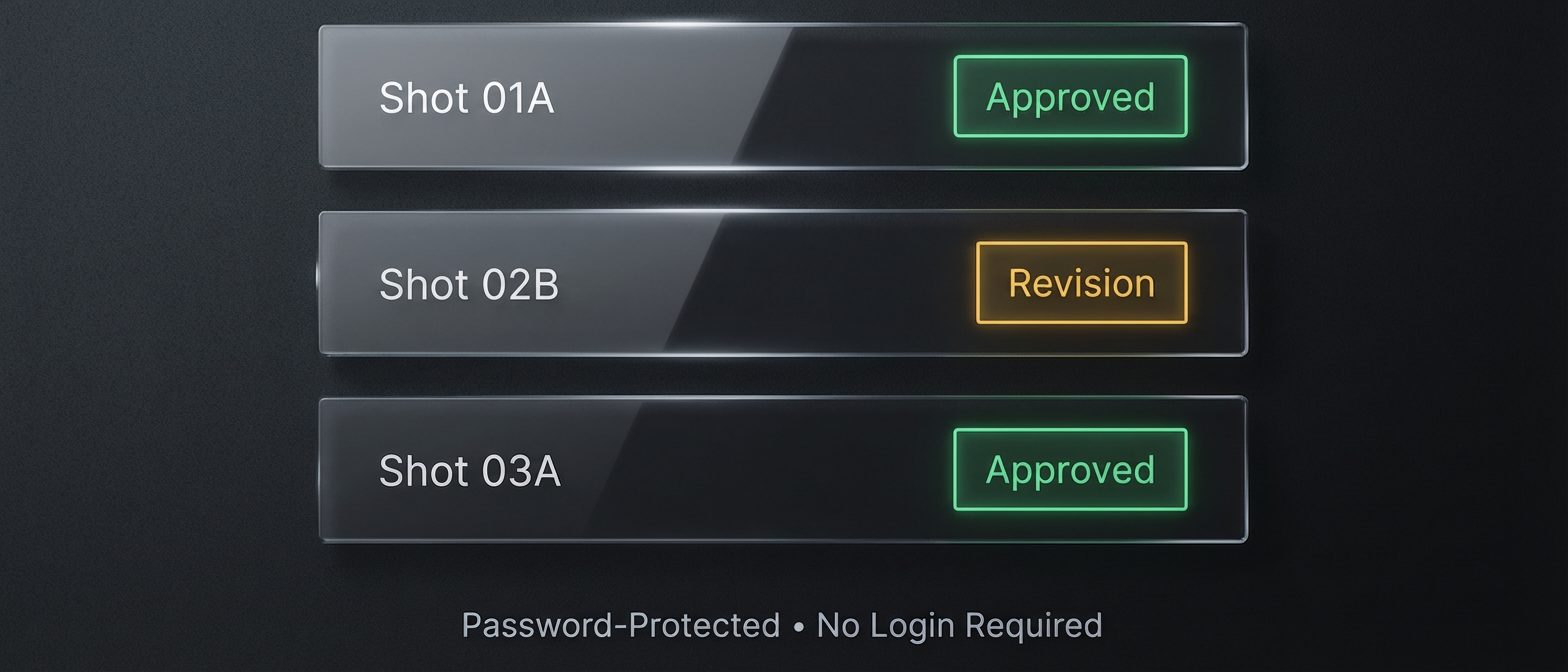
    A production presented as its own room, with access control and a review trail.